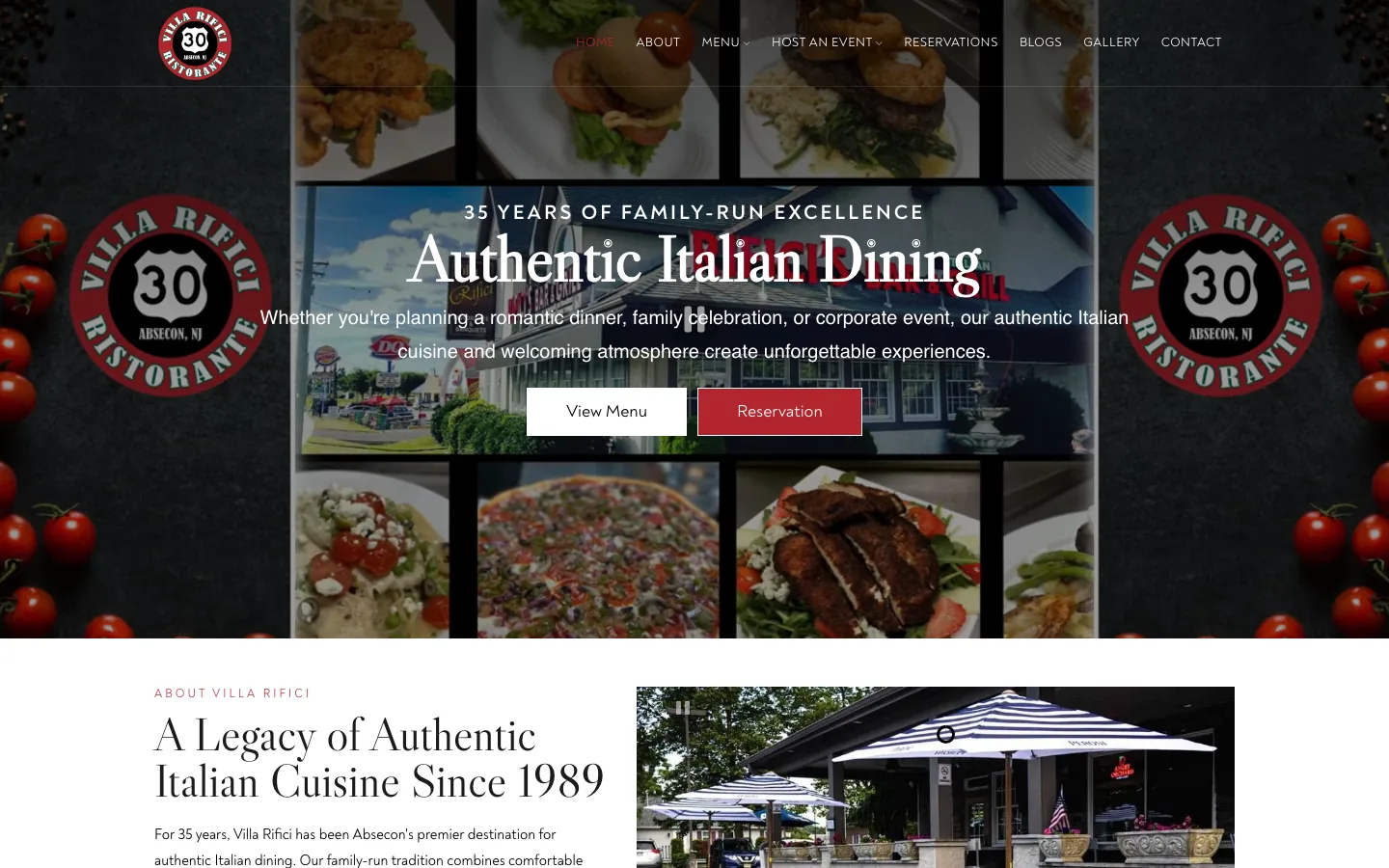
Most diners land on a restaurant website for one of four reasons: to see the menu, check the hours, find the address, or book or order. A good restaurant website answers those in seconds, on a phone, and gets out of the way. Everything else is extra.
The first screen
On a phone, the first screen a diner sees should show:
- What you are: the kind of food, in a few words.
- Where you are, and whether you're open now.
- A button to book, order or call, whichever matters most to you.
- A link to the menu.
A full-screen video with no text, or a pop-up for the newsletter, pushes all of that down. Keep the first screen for the things people came for.
A real menu page
The menu is the most visited page on most restaurant sites. Make it a web page, not a PDF or a photo:
- Sections like starters, mains and drinks that are easy to jump between on a phone.
- Short descriptions and prices, kept current.
- Labels for dietary needs if you offer them: vegetarian, gluten-free, spicy.
- A way for you or a manager to change a dish or a price in a minute, without calling a developer.
Google can read a menu written as text and may show dishes from it in search. It can't read a photo of your printed menu.
Booking and ordering that use your systems
Link the reservation or ordering system you already use, like OpenTable, Resy, Toast, Square or your delivery partners, and keep the button on every page. Don't rebuild what those systems already do well; just make them easy to reach.
Hours, address and parking
Put your hours and address in plain text on every page, usually in the footer, and make sure they match your Google listing exactly. Add holiday hours as soon as you know them. Add a map and a line about parking or the nearest entrance if people struggle to find you.
Pages for what people search for
If you offer private events, catering, brunch, happy hour or a kids' menu, give each its own short page with photos and a way to ask or book. Those are separate searches, and a dedicated page is how you show up for them.
Speed on a phone
Most diners visit from a phone, often on a weak signal. Large photos are the usual reason a restaurant site is slow. Images should be resized and compressed, and the site shouldn't load heavy scripts it doesn't need. Test it on your own phone, on cellular data, standing outside your restaurant.
Behind the scenes, for Google
- Each page has its own title and description that say what it is and where.
- Restaurant structured data: a small block of code that tells Google your cuisine, hours, address and menu link.
- The site is linked from your Google Business Profile, and the details on both match.
What you can skip
- Intro animations and auto-playing music.
- A long "our story" page before the menu. Tell the story, just not first.
- Pop-ups that cover the menu on a phone.
- Stock photos. Your own dishes and room, even shot on a good phone, work better.
Before you redesign
Check the site you have against this list first. Many restaurants only need a real menu page, fixed hours and a booking button to see a difference. If the list turns up more than that, a rebuild may be worth it. See the restaurant sites we've built, or read about restaurant marketing in the order that works.